


Checking the Component Status
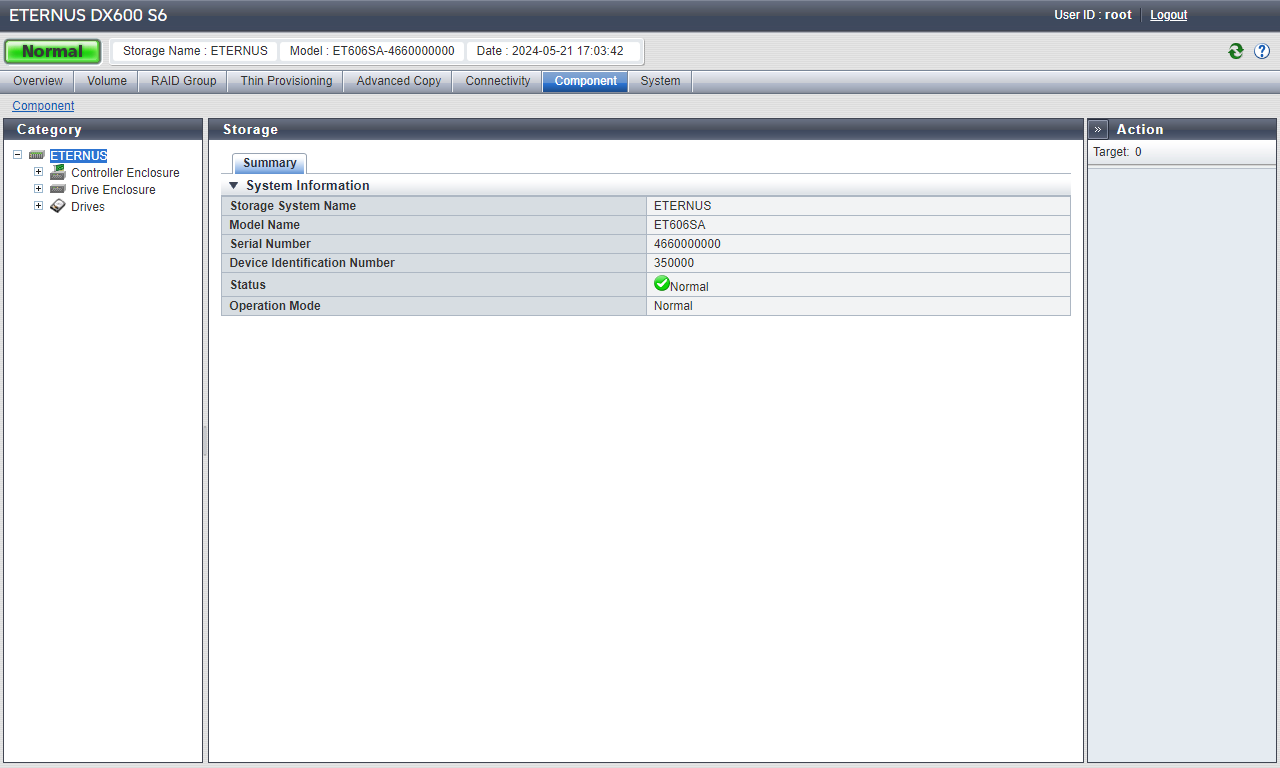
The status of the ETERNUS DX can be checked by general status in the upper left of the ETERNUS Web GUI screen.
When the general status image is " ", the ETERNUS DX is in normal status. When the general status image is other than "" ("
 ", "
", " ", etc.), an abnormality has been detected in the ETERNUS DX. Check the status of each component on the [Storage] screen.
Display example (ETERNUS DX600 S6)
If there is a component in Warning or Error status, contact your sales representative or maintenance engineer.