Checking the Volumes
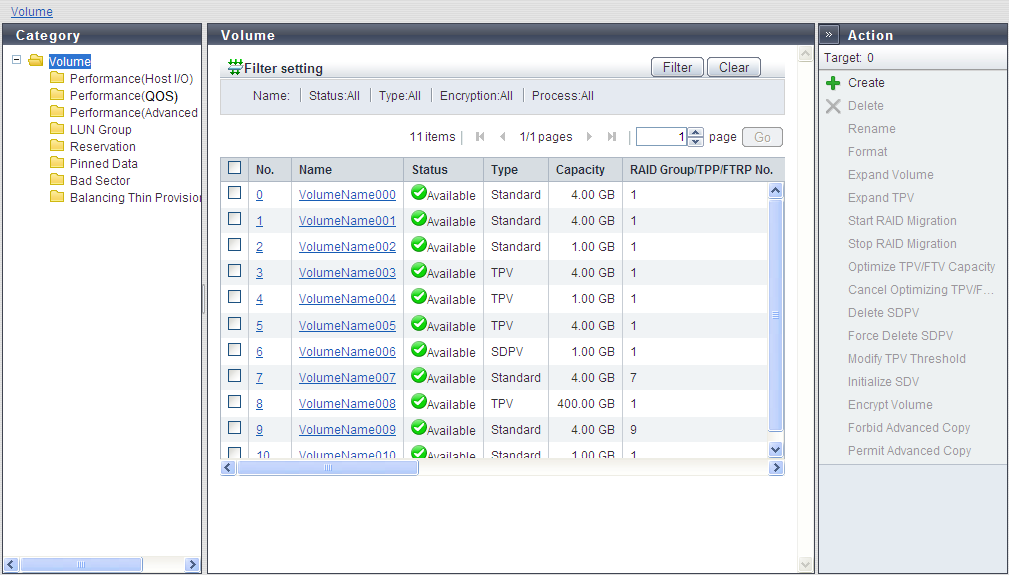
On the [Volume Details] screen of ETERNUS Web GUI, the status of volumes that you have created is displayed. Check if volumes are set correctly.
To display the [Volume Details] screen, click the [Volume] tab on the navigation of the ETERNUS Web GUI screen. In the [Volume (Basic Information)] screen that appears, select which volume to check the information for and click the No. or name of this volume.
Display example (ETERNUS DX600 S6)