SANtricity express configuration manuals ( CA08872-012 )
NVMe over Fibre Channel Connection Guest OS Disk Configuration Procedure - VMware
The procedure for setting up the disk of the Guest OS when connecting via NVMe-oF is as follows. The procedure for assigning a disk to the Guest OS is explained using RHEL as an example.
-
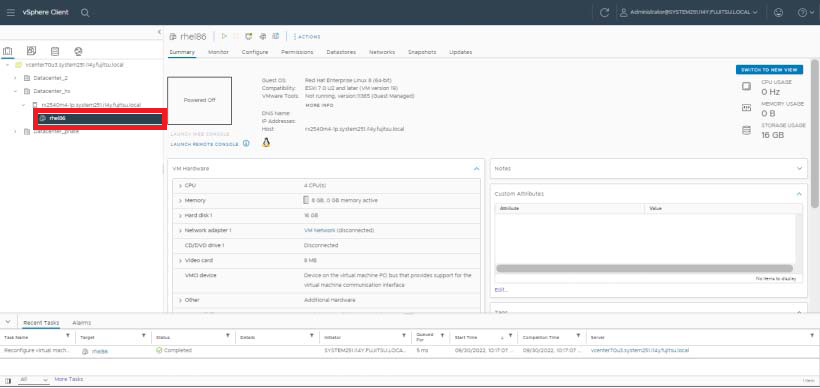
Select the Guest OS.
-
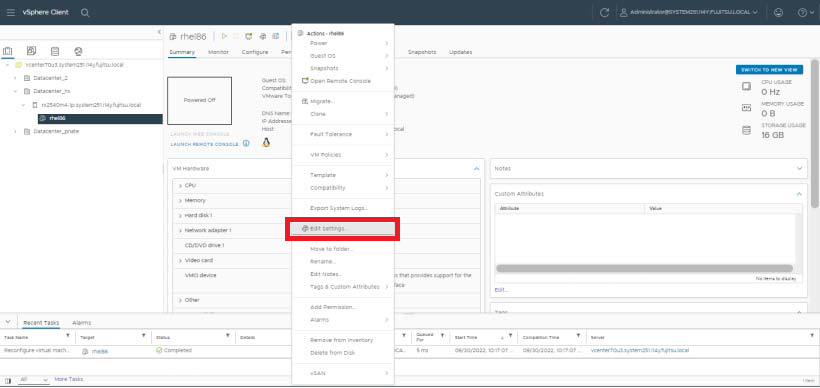
Select ACTIONS > Edit Settings.
-
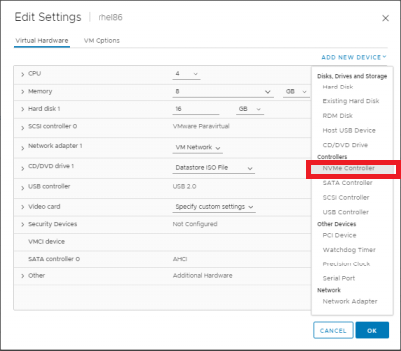
Select ADD NEW DEVICE > NVMe Controller.
-
Confirm that the NVMe controller has been added.
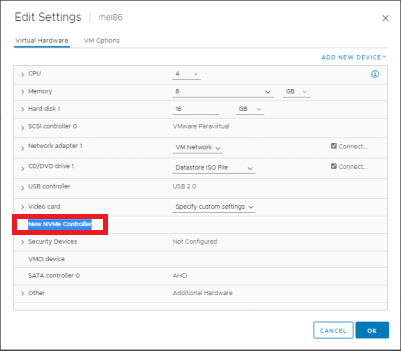
-
elect ADD NEW DEVICE > Hard Disk.
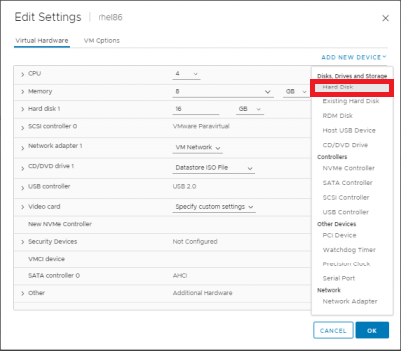
A new hard disk will be added.
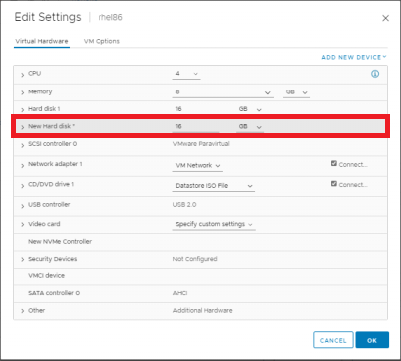
-
Check the details of the added hard disk.
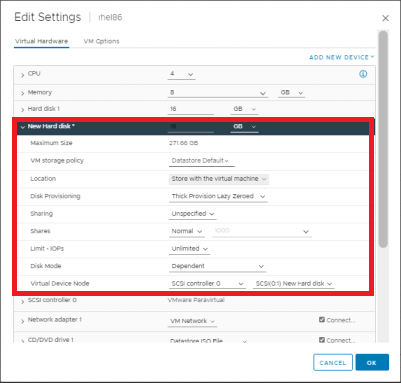
-
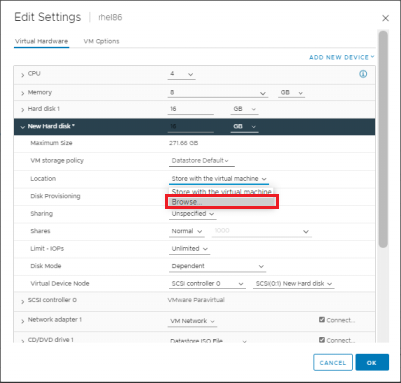
Set the Location dropdown menu to Browse.
-
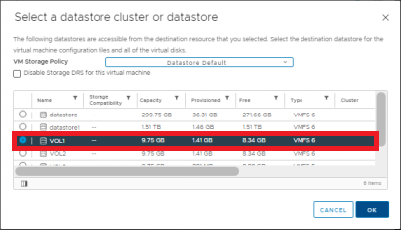
Select the datastore to be used for the NVMe volume and click OK.
-
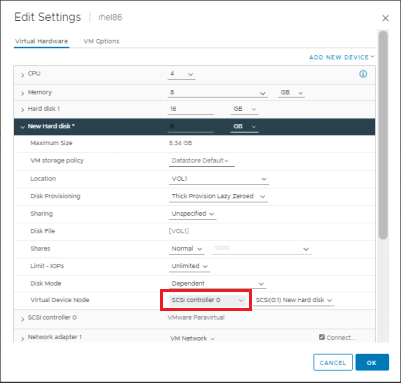
Change the virtual device node.
-
Change Virtual Device Node from the SCSI controller to the NVMe controller.
-
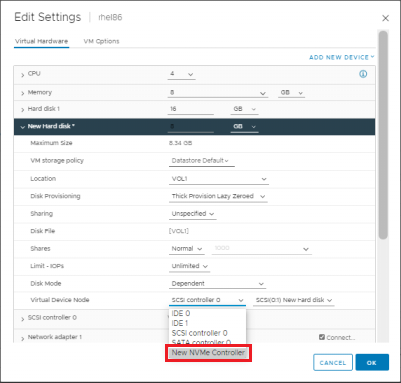
Select New NVMe Controller.
-
Select "NVMe(0.0) New Hard disk" and click OK.
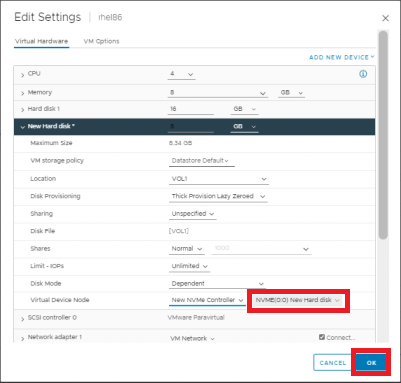
The settings will be applied.
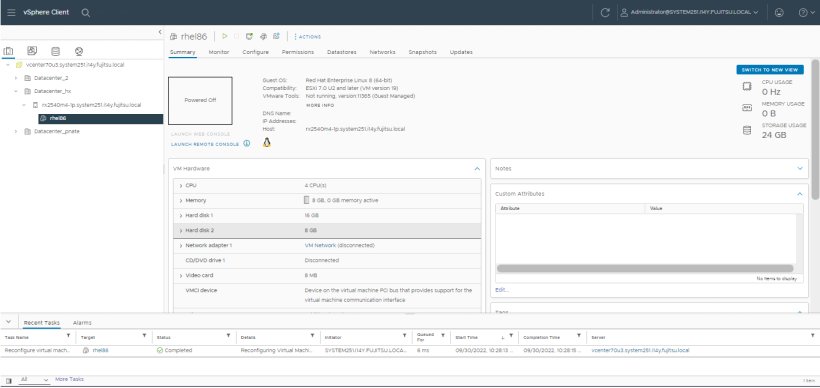
-
-
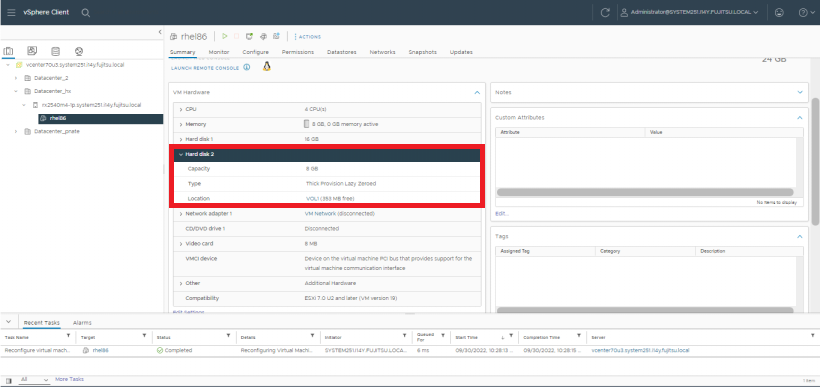
Confirm the added [Hard disk 2].